

Hey there! As a cutting disc supplier, I've seen firsthand how crucial it is to optimize the cutting process. Whether you're a professional in the construction industry or a DIY enthusiast, getting the most out of your cutting disc can save you time, money, and a whole lot of hassle. In this blog post, I'm going to share some tips and tricks on how to optimize the cutting process with a cutting disc.
Choose the Right Cutting Disc
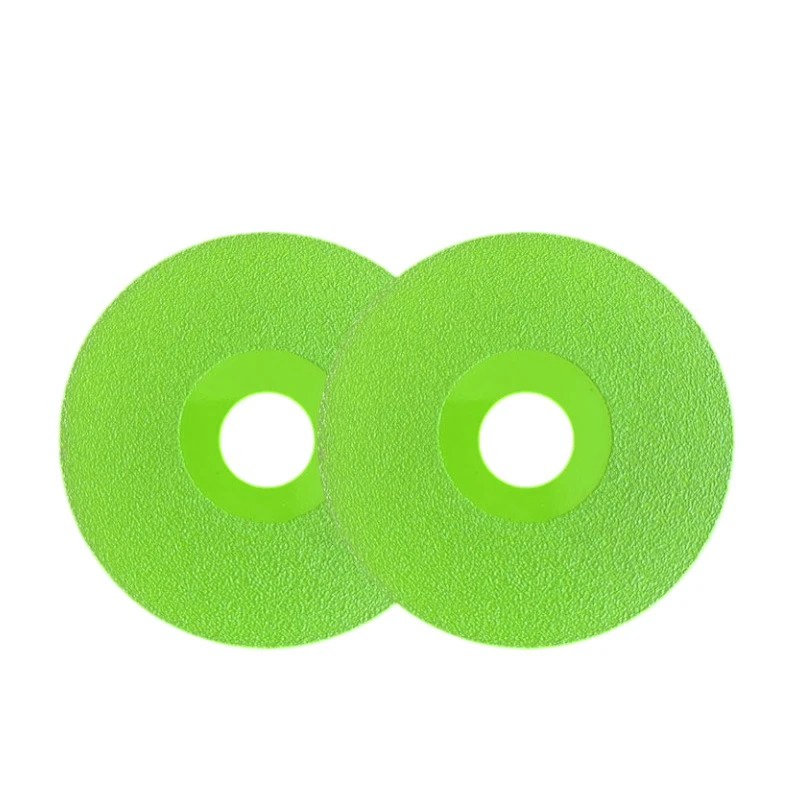
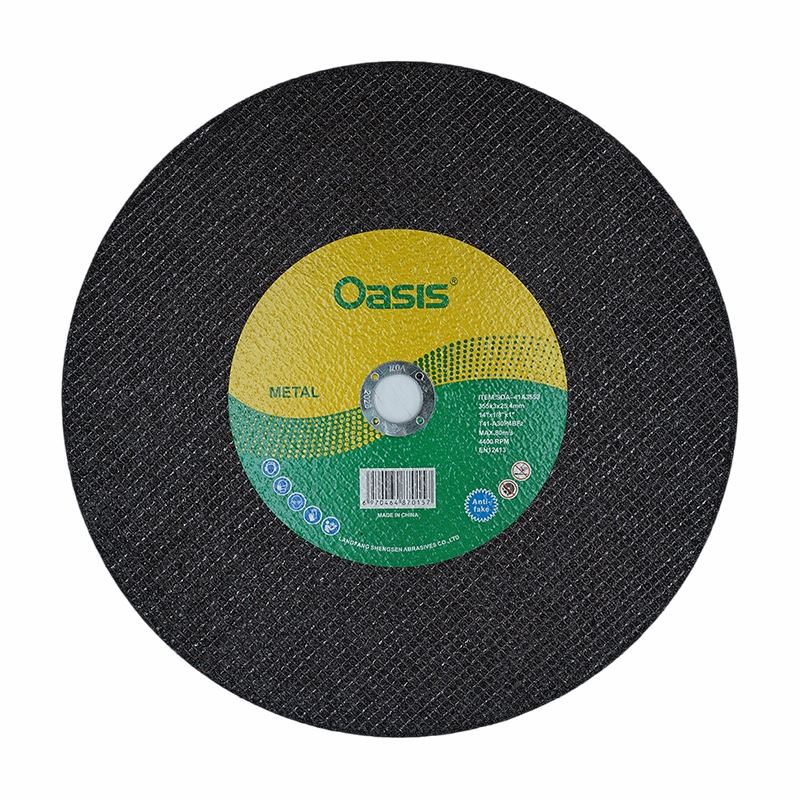
The first step in optimizing the cutting process is to choose the right cutting disc for the job. There are different types of cutting discs available, each designed for specific materials and applications. For example, if you're cutting through metal, you'll want a cutting disc that's specifically designed for metal cutting. On the other hand, if you're cutting through concrete or stone, a Diamond Cutting Disc would be a better choice.
Let's take a closer look at some of the common types of cutting discs:
- Ceramic Corundum Cutting Disc: These discs are great for cutting through tough materials like stainless steel and high - carbon steel. They offer high cutting speed and long life. Check out our Ceramic Corundum Cutting Disc for more details.
- Rail Cutting Disc: As the name suggests, these discs are designed specifically for cutting rails. They have a special design and composition to handle the unique challenges of rail cutting. You can find our Rail Cutting Disc on our website.
- Diamond Cutting Disc: Ideal for cutting through hard materials such as concrete, brick, and stone. The diamond particles on the disc make it extremely effective at cutting through these tough substances.
Check the Disc's Compatibility
Once you've chosen the right type of cutting disc, it's important to make sure it's compatible with your cutting tool. Check the diameter and arbor size of the disc to ensure it fits your grinder or saw. Using an incompatible disc can not only lead to poor cutting performance but also pose a safety risk.
Prepare the Workpiece
Proper preparation of the workpiece can significantly improve the cutting process. Make sure the workpiece is clean and free of any debris or contaminants. If you're cutting through metal, remove any rust or paint from the surface. This will help the cutting disc make better contact with the material and reduce the risk of the disc getting clogged.
Also, secure the workpiece firmly in place. This will prevent it from moving during the cutting process, which can lead to uneven cuts and potential accidents. You can use clamps or a vise to hold the workpiece securely.
Set the Right Speed
The cutting speed is another important factor in optimizing the cutting process. Different cutting discs have different recommended speed ranges. Using the disc at the wrong speed can cause premature wear, reduce cutting efficiency, and even damage the disc.
Refer to the manufacturer's instructions for the recommended speed of your cutting disc. Most cutting tools allow you to adjust the speed, so make sure to set it within the appropriate range.
Use the Right Technique
Using the right cutting technique can make a big difference in the quality and efficiency of the cut. When starting the cut, apply gentle pressure to the cutting disc. Let the disc do the work, and don't force it through the material. Forcing the disc can cause it to overheat, wear out quickly, and may also result in a poor - quality cut.
Keep the cutting disc perpendicular to the workpiece for a straight cut. If you need to make a curved cut, move the disc slowly and steadily along the desired path. Make sure to maintain a consistent feed rate throughout the cut.
During the cutting process, also pay attention to the disc's position. Keep it centered on the cutting line to ensure an even cut. If the disc starts to wander off the line, gently correct its position.
Maintain the Cutting Disc
Proper maintenance of the cutting disc is essential for optimizing the cutting process. After each use, clean the disc to remove any debris or residue. You can use a wire brush or a cleaning solution to clean the disc.
Inspect the disc regularly for signs of wear or damage. If you notice any cracks, chips, or excessive wear on the disc, replace it immediately. Using a damaged disc is extremely dangerous and can lead to serious accidents.
Safety First
Safety should always be your top priority when working with cutting discs. Wear appropriate safety gear, including safety glasses, gloves, and a dust mask. Safety glasses will protect your eyes from flying debris, while gloves will protect your hands from cuts and abrasions. The dust mask will prevent you from inhaling harmful dust particles.
Make sure your work area is well - ventilated, especially if you're cutting through materials that produce a lot of dust. Also, keep bystanders at a safe distance from the cutting area.
Monitor the Cutting Process
While cutting, keep an eye on the cutting process. Listen for any unusual noises, such as grinding or screeching, which could indicate a problem with the disc or the cutting tool. If you notice any issues, stop the cutting process immediately and investigate the cause.
Check the temperature of the disc periodically. If the disc gets too hot, it can affect its performance and reduce its lifespan. If the disc starts to overheat, stop cutting and let it cool down before continuing.
Troubleshooting Common Problems
Even with the best practices, you may encounter some common problems during the cutting process. Here are some solutions to these problems:
- Disc Clogging: If the cutting disc gets clogged with debris, stop cutting and remove the debris from the disc. You can use a wire brush or a cleaning solution to clean the disc. If the problem persists, it may be a sign that you're using the wrong type of disc or that the cutting speed is too slow.
- Uneven Cuts: Uneven cuts can be caused by a variety of factors, such as an unstable workpiece, a dull disc, or improper cutting technique. Make sure the workpiece is securely fixed, replace the disc if it's dull, and use the correct cutting technique.
- Excessive Wear: Excessive wear on the cutting disc can be due to using the disc at the wrong speed, applying too much pressure, or using it on the wrong material. Check the speed, reduce the pressure, and make sure you're using the right disc for the job.
Conclusion
Optimizing the cutting process with a cutting disc is all about choosing the right disc, using it correctly, and maintaining it properly. By following the tips and tricks I've shared in this blog post, you can improve the efficiency, quality, and safety of your cutting operations.
If you're interested in purchasing high - quality cutting discs or have any questions about optimizing the cutting process, feel free to reach out to us for more information and to start a procurement discussion. We're here to help you get the best results with your cutting projects.
References
- Manufacturer's instructions for cutting discs
- Industry best practices for cutting operations